AI Video Twerk Prompt Guide
Your prompt is the blueprint for your AI twerk video. Learn how to write prompts that produce exactly the movement, speed, and style you are looking for.
Generate Your Twerk Video NowSee It In Action
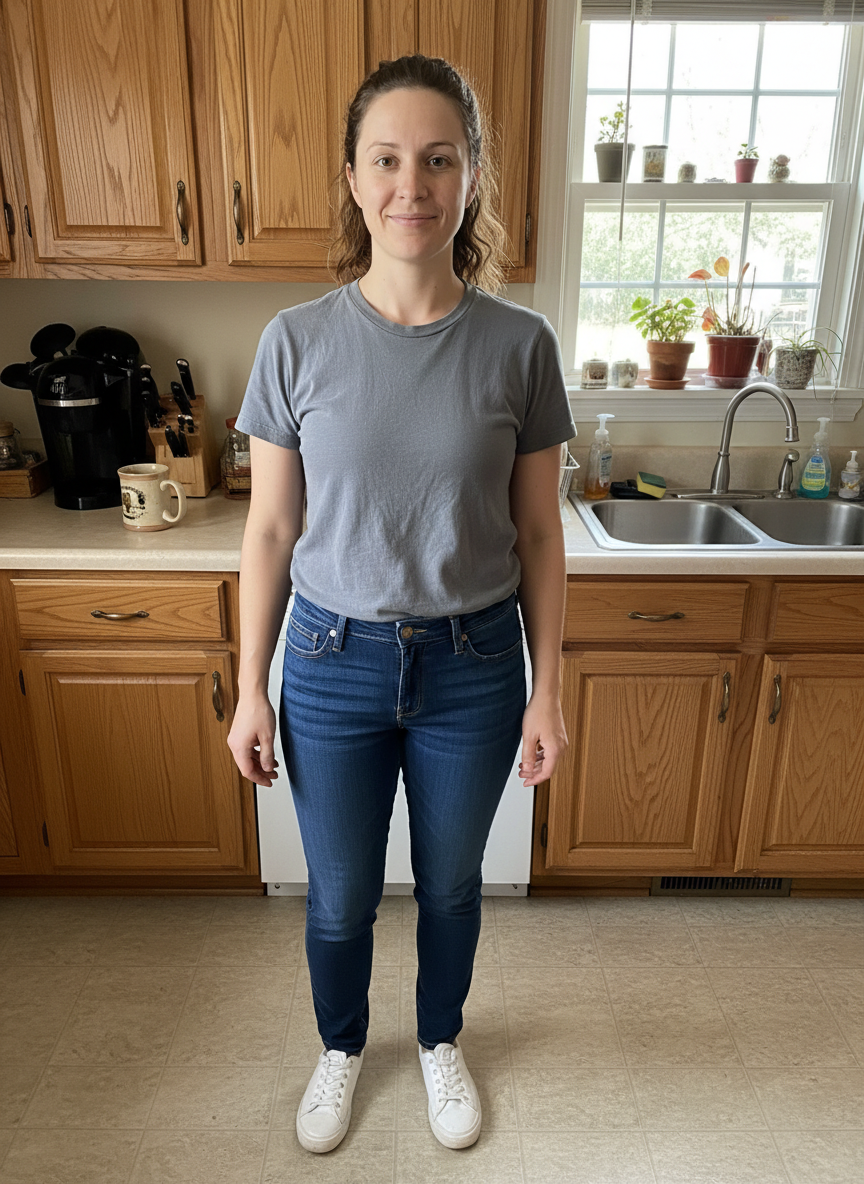
Input Photo
AI Twerk Output
How Prompts Control Twerk Video Generation
Every AI twerk video starts with a prompt, whether you write it yourself or select one of our presets. The prompt is the primary input that tells the AI what kind of movement to generate. Understanding how the AI interprets your prompt gives you the power to shape your output with precision.
When you submit a prompt, the AI breaks it down into several components. First, it identifies the type of movement being described. Words like "twerk," "bounce," "shake," "roll," and "sway" each map to distinct motion patterns in the model's training data. The AI does not treat these as synonyms. Each word triggers a different set of movement characteristics.
Second, the AI extracts modifier information. Descriptors like "slow," "fast," "gentle," "intense," "deep," and "subtle" adjust the parameters of the base movement. A "slow twerk" and a "fast twerk" use the same fundamental motion pattern but with different timing, amplitude, and frame-to-frame variation.
Third, the AI looks for positional and postural cues. Phrases about standing, squatting, leaning, or bracing against a wall tell the model what starting position to use and how the body should be oriented throughout the animation. This spatial information is critical for producing natural-looking output that matches the pose in your uploaded photo.
The result is a layered interpretation where movement type, modifiers, and positional cues combine to create a unique animation. This is why two prompts that seem similar on the surface can produce noticeably different videos.
Anatomy of a Good Twerk Prompt
A well-structured twerk prompt typically contains three to four key elements arranged in a natural sentence. Here is the breakdown.
Element 1: Movement Type. This is the core of your prompt. It names the specific motion you want. Examples include "twerk bounce," "hip shake," "booty shake," "circular hip roll," and "squat twerk." Be specific about the exact movement rather than using general terms like "dance" or "move."
Element 2: Speed and Intensity. This tells the AI how fast and how extreme the movement should be. Use clear descriptors like "slow and controlled," "moderate pace," "fast and energetic," or "building from slow to fast." Without this element, the AI defaults to a moderate pace that may or may not match your vision.
Element 3: Body Mechanics. This describes how specific body parts should move or stay still. "Hips bouncing while upper body stays steady," "full body responding to the hip movement," or "deep hip drops with knees bending" all provide useful mechanical detail. This element is what separates amateur prompts from expert ones.
Element 4: Style or Mood (optional). This adds a qualitative layer that influences the overall feel. "Smooth and fluid," "sharp and rhythmic," "playful bouncing," or "powerful and grounded" each push the animation in a slightly different direction.
Putting it all together, a strong prompt might read: "Moderate-speed twerk bounce with deep hip drops, upper body staying relatively still, smooth and rhythmic movement." That single sentence covers all four elements and gives the AI everything it needs.
Prompt Variables: Speed, Intensity, and Style
Think of your prompt as having adjustable variables that you can tune to get different results. Here are the main variables and how they affect your output.
Speed controls how fast the movement cycles. At the slow end, you get long, drawn-out movements where each hip drop or bounce takes its time. At the fast end, the movement is rapid and energetic with quick transitions. The speed variable has the most visible impact on the final video, so it should be one of the first things you decide.
Slow speed keywords: "slow," "gradual," "leisurely," "unhurried"
Medium speed keywords: "moderate," "steady," "rhythmic," "consistent"
Fast speed keywords: "fast," "rapid," "energetic," "quick," "vigorous"
Intensity controls the amplitude of the movement, meaning how far the body moves from its resting position during each cycle. Low intensity produces subtle, small movements. High intensity produces dramatic, exaggerated movements with full range of motion.
Low intensity keywords: "subtle," "gentle," "slight," "minimal"
Medium intensity keywords: "moderate," "standard," "normal"
High intensity keywords: "intense," "deep," "extreme," "full range," "dramatic"
Style is the most subjective variable and affects the overall character of the motion. Smooth styles produce flowing, continuous movement. Sharp styles produce distinct, punctuated movements. Bouncy styles emphasize the up-and-down component. Rolling styles emphasize circular or lateral hip motion.
Smooth style keywords: "fluid," "flowing," "smooth," "continuous"
Sharp style keywords: "sharp," "crisp," "defined," "punctuated"
Bouncy style keywords: "bouncing," "bouncy," "springy," "rebounding"
Rolling style keywords: "circular," "rolling," "swaying," "rotating"
Preset Prompts vs. Custom Prompts
Our platform offers two approaches to prompting: preset styles and custom prompts. Each has its advantages, and understanding when to use which will help you get the best results.
Preset prompts are pre-written, tested, and optimized for specific twerk styles. When you select a preset like "Standard Twerk," "Wall Twerk," or "Squat Twerk," you are using a prompt that has been refined through hundreds of test generations to consistently produce high-quality results for that particular style. Presets are the best choice when you want reliable, predictable output without needing to experiment.
The seven available presets cover the most popular twerk styles: standard twerk, intense twerk, slow and sensual, wall twerk, squat twerk, circular roll, and standing bounce. Each produces a distinctly different animation that matches the style name.
Custom prompts give you full control over the movement description. You write your own prompt using the techniques described in this guide, and the AI interprets it directly. Custom prompts are the best choice when you want something specific that does not exactly match any of the presets, or when you want to experiment with hybrid styles and unique movement combinations.
The custom option also lets you describe sequences. Instead of a single repeating motion, you can write prompts like "start with a slow hip sway, then transition into a faster twerk bounce, then slow back down." This kind of progressive movement is not available through the preset system.
For most users, starting with presets and then moving to custom prompts as you learn what you like is the most effective approach. The presets teach you what works, and custom prompts let you push beyond those boundaries.
Advanced Prompt Tips for Better Results
These advanced techniques are for users who want to maximize their prompt writing skills and consistently produce top-tier results.
Use transition language to create dynamic videos. "Building from gentle swaying into a full twerk bounce" or "starting slow and gradually increasing speed" creates a sense of progression that makes videos feel more natural and engaging than a single constant motion.
Specify what should stay still, not just what should move. "Hips bouncing rapidly while the shoulders and head remain steady" creates a much more controlled and realistic animation than just describing the hip movement alone. Anchor points give the AI constraints that improve overall motion quality.
Reference gravity and weight. Phrases like "heavy, grounded bounce" or "light, quick pulsing" help the AI understand the physical quality of the movement. This subtle cue affects how the AI handles the downward and upward phases of each bounce cycle.
Match your prompt to your photo. If the person in your photo is wearing heels, mentioning "twerk on heels" in your prompt helps the AI account for the different body mechanics. Similarly, if the person is in athletic wear versus a dress, the type of movement that looks natural will differ.
Keep iterating. If your first result is close but not perfect, adjust one variable at a time rather than rewriting the entire prompt. Change the speed, or adjust the intensity, or add a body positioning detail. Small tweaks often produce big improvements in the output.
Combine our presets with custom refinements by generating with a preset first to see the baseline, then switching to custom and writing a prompt that describes what you liked about the preset result but with your desired modifications.
Common Prompt Mistakes to Avoid
Even experienced users sometimes fall into prompt patterns that produce suboptimal results. Here are the most common mistakes and how to fix them.
Overloading the prompt with too many instructions. A prompt that tries to describe every aspect of the movement in exhaustive detail can confuse the AI. Stick to two or three sentences maximum. Focus on the most important aspects and let the AI handle the rest.
Using contradictory descriptors. "Fast but slow" or "intense but subtle" sends mixed signals. Pick a consistent set of descriptors that all point in the same direction. If you want something in between, use words like "moderate" or "medium-paced" rather than trying to combine opposites.
Describing visual effects instead of movement. Prompts about camera angles, slow motion, zoom effects, or color grading do not affect the output because the model only controls body motion. Keep your prompt focused on how the body moves, not how the video looks.
Copying prompts from other AI tools. Prompts optimized for Midjourney, DALL-E, or general video generators like Runway use different conventions and include terms that have no effect in a twerk-specific model. Write prompts specifically for twerk generation using the movement vocabulary described in this guide.
Not accounting for the input photo. A prompt for "standing twerk" will produce awkward results if the person in the photo is sitting or crouching. Make sure your prompt describes movement that is physically compatible with the pose in your uploaded image.
Ready to Create Your Twerk Video?
Upload a photo and get a realistic AI twerk video in minutes.
Try It Now