AI Dance Twerk Generator
Blend high-energy dance moves with twerk styles to create videos that stand out. Upload a photo and let AI do the choreography.
Generate Your Twerk Video NowSee It In Action
Input Photo
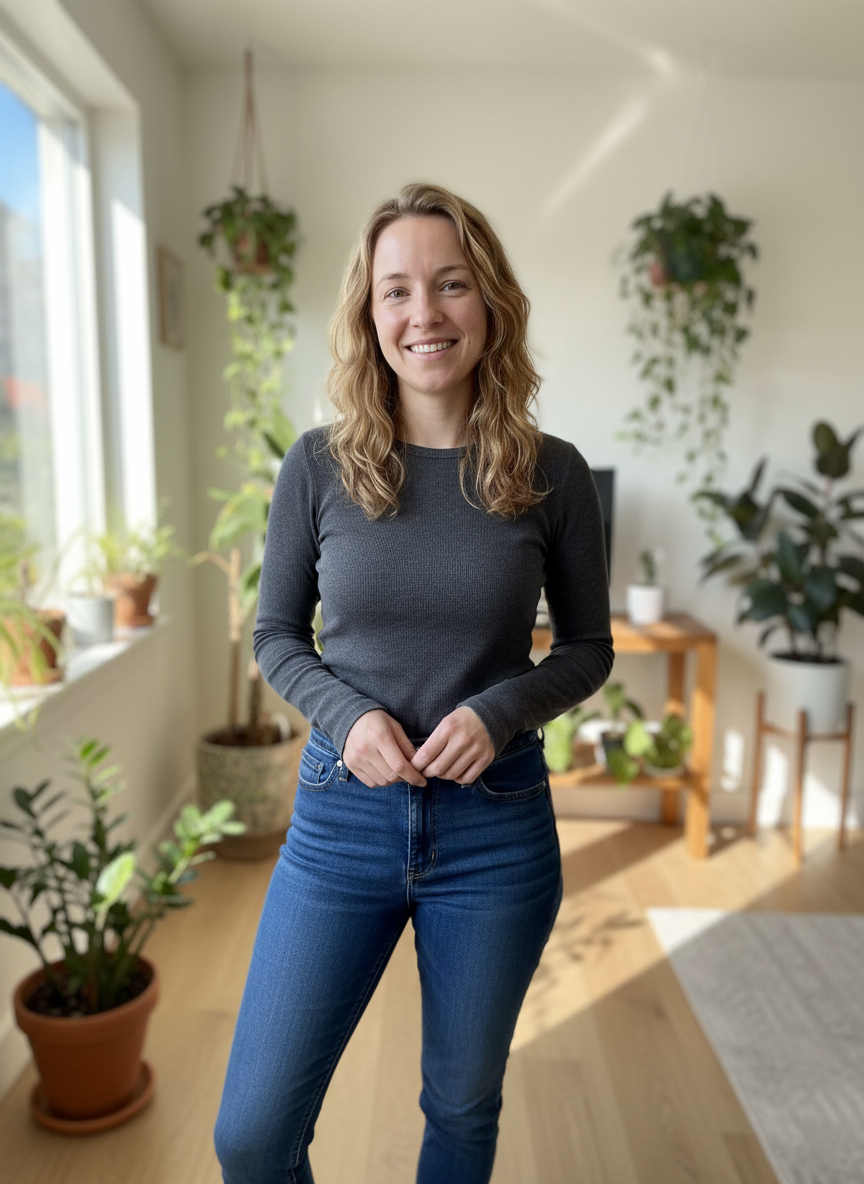
AI Twerk Output
What Is an AI Dance Twerk Generator?
An AI dance twerk generator is a tool that combines traditional dance choreography with twerk-specific movements to produce dynamic, high-energy videos from a single photo. Rather than generating a simple, repetitive twerk loop, this approach layers in dance transitions, rhythm changes, and body isolations that make the final video look like a real club performance.
The concept is straightforward. You upload a photo of a person, select a twerk style that incorporates dance elements, and the AI produces a video that blends both. The result feels more like a choreographed routine than a static animation, which makes it perfect for social media content that needs to grab attention quickly.
This type of generator appeals to content creators, social media managers, and anyone who wants their twerk videos to feel more polished and dynamic. Instead of a single repeated motion, you get a video with variation, energy, and visual interest that keeps viewers watching.
How AI Handles Complex Dance Movements
Creating realistic dance and twerk movements from a still photo is one of the more challenging tasks in AI video generation. The AI needs to understand human anatomy, joint limitations, weight distribution, and the physics of how fabric and hair move during fast, dynamic motions.
Our AI model has been trained on extensive motion data that covers a wide range of dance styles. When you select a twerk preset like Club Energy, the AI does not simply move the hips up and down. It factors in the way the knees bend, how the spine curves, where the arms go for balance, and how the entire body shifts weight from one foot to the other.
The complexity increases when dance transitions are involved. Moving from a standing position into a low squat twerk, or adding a spin before dropping into a wall twerk, requires the AI to plan a sequence of connected movements rather than looping a single animation. This is where the dance element really shines, because the AI generates motion paths that flow naturally from one position to the next.
The result is a video that looks choreographed rather than mechanical. Viewers can tell the difference between a simple animation loop and a video that has genuine rhythm and variation built into it.
Energetic Club-Style Twerk: The Most Popular Option
Among all the twerk presets available, the Club Energy style is consistently the most requested for users who want dance-integrated twerk videos. This makes sense because club-style twerking naturally incorporates dance elements. The movements are faster, more varied, and include the kind of body rolls, hip pops, and rhythmic bouncing that you would see on a real dance floor.
The Club Energy preset generates videos with higher tempo movements compared to other styles. The AI adds subtle upper body movements, arm positioning, and head tilts that make the animation feel alive and dynamic. This is not just a lower body animation. The entire figure moves in a way that suggests someone dancing to a beat.
For social media content, this style tends to perform best because it has the visual energy that stops people from scrolling. The movement is complex enough to be interesting but smooth enough to look natural. It works particularly well with photos where the subject is wearing club or party attire, since the AI preserves the clothing and lets it move naturally with the dance.
Available Dance and Twerk Styles
Our generator offers seven preset styles, and several of them naturally incorporate dance elements alongside twerk movements.
Basic Twerk provides a clean, classic twerk motion that serves as a solid foundation. It focuses on hip movement with minimal upper body involvement.
Low Squat drops the stance lower and adds power to the motion. This style naturally includes more leg engagement and shifts in balance that give it a dance-like quality.
Circular Roll introduces rotational hip movements that create a more fluid, dance-oriented feel. The hips trace circular paths rather than moving in a straight line, which adds visual complexity.
Club Energy is the full dance-twerk hybrid. It combines fast hip movements with upper body engagement, weight shifts, and rhythmic variation that mimic real club dancing.
Slow and Sensual takes a different approach, using controlled, deliberate movements with smooth transitions. This style emphasizes flow and rhythm over speed, giving it a contemporary dance quality.
Wall Twerk adds a vertical surface element, creating the popular wall twerk style with inverted positioning and gravity-defying movement.
Custom mode lets you describe exactly the dance and twerk combination you want. You can specify tempo, style influences, or particular moves you want the AI to incorporate.
Tips for Getting the Best Dance Twerk Results
The quality of your dance twerk video depends heavily on the input photo. Here are specific tips for maximizing the dance element in your results.
Choose a photo with a dynamic pose. If the person in the photo is already in a slightly active stance, like standing with weight shifted to one hip, the AI has a better starting point for generating natural dance movement. Stiff, straight-on poses can work, but they require the AI to do more work to transition into dance positions.
Full body visibility is critical. Dance movements involve the entire body, so the AI needs to see everything from head to feet. Cropped photos that cut off the legs will produce less convincing results because the AI cannot properly animate the footwork and weight shifts that make dance look natural.
Wear form-fitting or clearly defined clothing in the source photo. Loose, baggy clothing can make it harder for the AI to track body position and produce clean animations. The AI preserves whatever the subject is wearing, so clothes that show the body's outline will result in more visible and impressive dance movement.
Good lighting and a clean background help the AI separate the subject from the environment. This leads to cleaner animations with fewer visual artifacts, especially during fast dance movements where the edges of the figure need to stay sharp and well-defined.
Higher resolution photos give the AI more detail to work with. Aim for photos that are at least 720 pixels wide. Smartphone photos taken in good lighting conditions work perfectly for this.
From Photo to Dance Video in Minutes
The process of creating a dance twerk video is simple and fast. Start by visiting the homepage and uploading your chosen photo. The tool accepts JPG, PNG, and WebP formats up to 10MB.
After uploading, browse the preset styles. For the best dance-integrated results, try Club Energy or Circular Roll first. These presets have the strongest dance elements built in. If you want something specific, use the Custom option and describe the combination of dance and twerk movements you are looking for.
Select your video length. You can choose between 10 seconds, which costs one credit, or 15 seconds, which costs two credits. For dance-style videos, the 15-second option often works better because it gives the AI more time to showcase different movements and transitions.
Hit generate and wait a few minutes. Most videos complete within two to five minutes. You can stay on the page to watch progress or navigate away and check your dashboard later. All completed videos are saved to your account automatically.
Once your video is ready, preview it in the browser, download the MP4 file, and share it wherever you want. The video comes without watermarks and in a 9:16 vertical format that is optimized for TikTok, Instagram Reels, and YouTube Shorts.
Ready to Create Your Twerk Video?
Upload a photo and get a realistic AI twerk video in minutes.
Try It Now