AI Twerk Prompt Generator
Not sure what to write in your twerk prompt? Our preset system works as a built-in prompt generator, and you can customize it further for unique results.
Generate Your Twerk Video NowSee It In Action
Input Photo
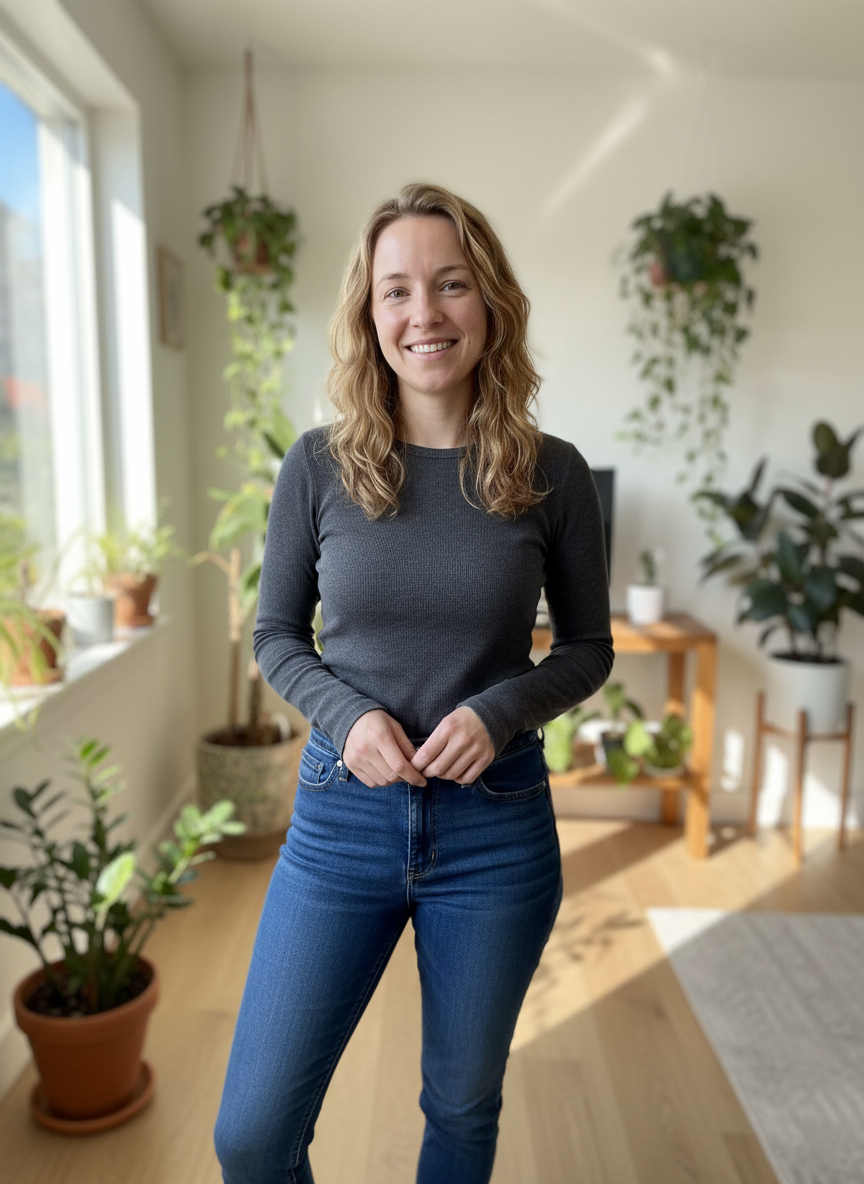
AI Twerk Output
What Is an AI Twerk Prompt Generator?
An AI twerk prompt generator is a tool or system that creates optimized text prompts for AI twerk video generation. Instead of writing a prompt from scratch, which requires knowledge of how AI models interpret instructions, a prompt generator produces a ready-to-use prompt that is designed to get the best possible results.
Think of it this way. AI twerk video generators accept text descriptions that tell them what kind of movement to create. The quality and specificity of that text directly affect the quality of the output video. A well-crafted prompt produces smooth, natural, convincing twerk motion. A poorly written prompt produces generic or inconsistent results.
Most people are not prompt engineers. They do not know which words, phrases, or structures produce the best results from an AI video model. A prompt generator bridges that gap by translating simple user choices into optimized instructions that the AI model understands and responds to well.
This is not a new concept in AI tools. Image generators like Midjourney and DALL-E have had prompt generators and prompt enhancement tools for years. The same principle applies to AI twerk video generation. Better prompts produce better videos, and prompt generators help everyone write better prompts regardless of their technical knowledge.
How Our Preset System Works as a Prompt Generator
Our platform's seven preset twerk styles are essentially a built-in prompt generator. When you select a preset like "Club Energy" or "Low Squat," you are activating a pre-written, optimized prompt that has been tested and refined through hundreds of generations to produce consistent, high-quality results.
Each preset translates your simple one-click selection into a detailed set of instructions that the AI model processes. These instructions specify movement type, speed, intensity, body positioning, rhythm patterns, and other parameters that affect the final output. The preset prompts are significantly more detailed than what most users would write on their own.
Here is a simplified look at what happens behind the scenes. When you select "Basic Twerk," the system sends the AI a prompt that describes steady, rhythmic hip movement at a moderate tempo with natural bounce mechanics and relaxed upper body positioning. When you select "Club Energy," the prompt changes to describe high-intensity, fast-paced hip movement with dynamic full-body engagement and explosive motion patterns.
The presets have been optimized through extensive testing. We have generated thousands of test videos with variations of each prompt, evaluating motion quality, consistency, and realism to find the exact phrasing that produces the best results from our AI model. Users benefit from all that optimization with a single click.
This approach is the most reliable prompt generation method because the prompts are tested against the specific AI model our platform uses. Generic prompt generators that are not designed for a particular model may produce prompts that sound good but do not actually perform well with the underlying video generation system.
Going Beyond Presets with Custom Prompts
While the presets handle most use cases well, our custom prompt option lets you write your own instructions for situations where you want something the presets do not cover.
The custom option is where prompt generation becomes truly creative. You can describe any type of twerk movement you can imagine, and the AI will interpret your instructions and generate a video accordingly. This is powerful, but it also means the quality of your output depends on the quality of your prompt.
For users who want custom results but are not confident in their prompt writing skills, here is a reliable framework. Start with one of our presets as a mental baseline, then modify it with specific changes.
For example, if you like the Club Energy preset but want it slower, your custom prompt might be: "Club-style twerk with dynamic hip movement, but at a slower, more controlled tempo. Confident energy without the full speed." You are using the preset concept as a starting point and adjusting the one parameter you want to change.
Another approach is to combine elements from two presets. "Circular hip rolls from a low squat position, medium speed, with a sensual, controlled quality." This blends the Circular Roll and Low Squat concepts with the mood of the Slow and Sensual preset. The AI handles these hybrid descriptions well.
The key is to be clear and specific without being contradictory. Tell the AI what you want the movement to look like, how fast it should be, and what mood or energy it should convey. Keep it focused on one or two core movement ideas and describe them well rather than trying to pack in too many different elements.
Prompt Generation Tips for Better Results
Whether you are using presets or writing custom prompts, these tips will help you get the most from the prompt generation process.
Match the prompt to the photo. If your input photo shows someone in a standing position, prompts describing standing twerk movements will produce more natural results than prompts describing deep squat positions. The AI has to bridge the gap between the static pose in the photo and the movement described in the prompt. The smaller that gap, the more natural the transition looks.
Use concrete, physical descriptions rather than abstract concepts. "Fast hip bouncing with knees bent" works better than "energetic vibes." The AI responds to physical descriptions of body movement, not emotional or abstract language. Save the mood descriptors for secondary emphasis after you have established the physical movement.
Specify what stays still if you want a focused animation. "All movement in hips and glutes, upper body stable, arms relaxed at sides" tells the AI exactly which body parts to animate and which to keep in place. Without this guidance, the AI might add unnecessary motion to the arms, head, or torso.
Keep prompts between 15 and 50 words for optimal results. Shorter prompts may not give the AI enough to work with. Longer prompts can introduce contradictions or overwhelm the model with competing instructions. The sweet spot is a concise paragraph that covers movement, speed, and style clearly.
Iterate rather than trying to write the perfect prompt on the first attempt. Generate a video with a simple prompt, evaluate the result, and refine your prompt based on what you want to change. This iterative approach is more efficient than spending a long time crafting an elaborate prompt before generating.
Learn from the presets. If a particular preset produces results you like, think about what elements of that movement appeal to you. Then use those elements as building blocks in your custom prompts. The presets are a valuable reference for understanding what kinds of instructions produce good results.
Common Prompt Patterns That Work Well
Through testing thousands of prompt variations, we have identified several patterns that consistently produce high-quality results. These patterns can serve as templates for your own custom prompts.
The speed-plus-movement pattern: "[speed] [movement type] with [body position]." Example: "Moderate rhythmic twerk with slight forward lean." This pattern is simple and effective because it covers the three most important parameters in a single short sentence.
The contrast pattern: "[primary quality], not [opposite quality]." Example: "Controlled, deliberate hip movement, not fast or chaotic." Telling the AI what you do not want can be as useful as telling it what you do want. This helps prevent the model from defaulting to its most common interpretation.
The progression pattern: "Starts [initial state] then [transition] to [final state]." Example: "Starts with slow, gentle hip sway then builds to faster, more pronounced twerk motion." This creates a dynamic video that changes over its duration, which is more interesting to watch than constant-speed movement.
The focused isolation pattern: "[body part] [movement], everything else [state]." Example: "Hips bouncing rapidly, upper body completely still and relaxed." This pattern produces the cleanest animations because the AI knows exactly which parts to move and which to keep stable.
The contextual reference pattern: "[movement] like [real-world reference]." Example: "Confident, playful twerk like warming up before a dance session." Real-world references give the AI context for calibrating intensity and mood without requiring technical movement descriptions.
These patterns can be combined and modified to create a wide range of custom prompts. Use them as starting points and adjust based on the results you get.
Why Our Built-In System Beats External Prompt Generators
You might find external AI prompt generators online that claim to create optimized prompts for any AI tool. While these can be useful for general purposes, they have a significant limitation when it comes to AI twerk video generation.
External prompt generators are not calibrated to our specific AI model. Every AI video generation model has its own strengths, tendencies, and response patterns. A prompt that works beautifully with one model might produce mediocre results with another. Our preset system has been specifically optimized for the exact model our platform uses, which means the prompts are tailored to produce the best possible output from our system.
External generators also lack domain-specific knowledge about twerk movement. A generic AI prompt generator might produce prompts that sound descriptive but miss the specific vocabulary and phrasing that works well for dance animation. Our presets are built by people who understand both AI video generation and dance movement vocabulary.
Testing and iteration set our system apart. Each preset has gone through extensive testing with real users and real outputs. We know these prompts work because we have generated thousands of videos with them and evaluated the results. External generators produce untested output that may or may not perform well.
The combination of model-specific optimization, domain expertise, and extensive testing means our built-in preset system produces more reliable results than any external prompt generator. For users who want to go custom, the presets also serve as excellent examples of what good prompts look like, giving you a strong foundation to build your own.
Our recommendation is to start with presets for reliability, study them to learn what makes a good prompt, and then experiment with custom prompts when you are ready to explore beyond the standard options.
Ready to Create Your Twerk Video?
Upload a photo and get a realistic AI twerk video in minutes.
Try It Now