AI Twerk Generator vs PicWand: Which Is Better?
A dedicated twerk video tool versus a multi-purpose AI platform. Here is everything you need to know to pick the right one for your needs.
Generate Your Twerk Video NowSee It In Action
Input Photo
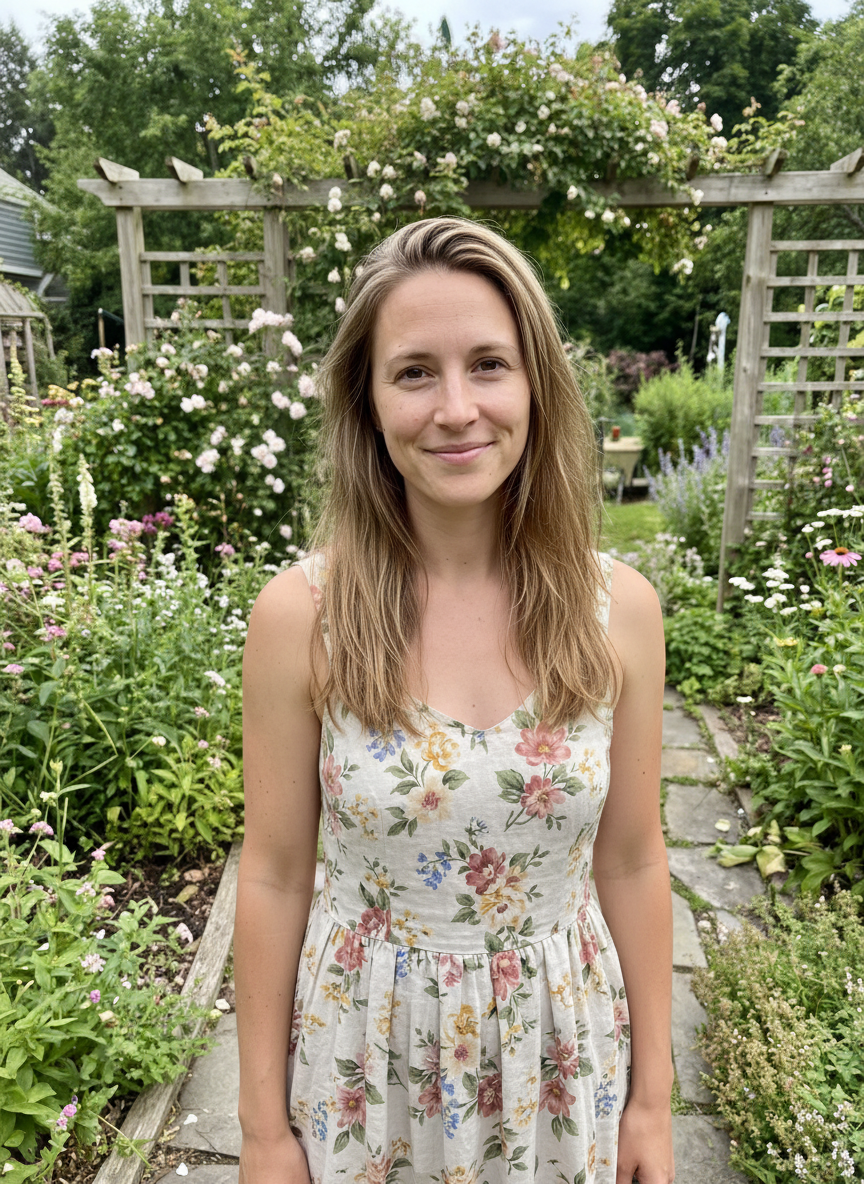
AI Twerk Output
What Each Tool Does
Before comparing these two platforms, it helps to understand what each one was built for.
AI Twerk Generator is a specialized tool designed to do one thing exceptionally well: turn still photos into realistic twerk dance videos. Every part of the platform, from the AI models to the user interface, is optimized for this single purpose. You upload a photo, pick a twerk style, and get a polished dance video in minutes.
PicWand is a multi-purpose AI tool that offers a range of image and video capabilities. It handles tasks like photo enhancement, image upscaling, background removal, and video generation from images. PicWand's image-to-video feature can produce various types of motion from still photos, including some dance-like animations.
The core difference is specialization versus versatility. AI Twerk Generator sacrifices breadth to deliver the best possible twerk videos. PicWand covers more ground but does not go as deep on any single animation style.
Strengths of AI Twerk Generator
The biggest advantage of AI Twerk Generator is the quality of its twerk-specific output. Because the AI has been trained and fine-tuned specifically for dance motion, the videos it produces feature natural hip movement, realistic body mechanics, and smooth frame-to-frame transitions. The difference in quality compared to general-purpose animation tools is immediately noticeable.
Seven dedicated twerk presets give you creative control without complexity. Standard twerk, wall twerk, slow wind, bounce drop, circular roll, quick shake, and custom mode each produce distinctly different animations. This variety means you can create multiple videos from the same photo, each with a unique feel and movement pattern.
The workflow is extremely simple. Upload, choose a style, generate. There is no learning curve, no complex settings to configure, and no guesswork about which combination of features will produce a twerk animation. First-time users can create a professional-quality video within minutes.
Processing speed is another strength. Most videos are ready in two to five minutes, which is fast for AI-generated video content. The platform is optimized for this one output type, so there is less computational overhead than platforms that need to handle many different kinds of generation tasks.
The credit system is transparent and straightforward. You know exactly what each video will cost before you generate it. One credit for 10 seconds, two credits for 15 seconds. No hidden fees, no confusing tier calculations.
Strengths of PicWand
PicWand's main advantage is its versatility. If you need an all-in-one AI image and video tool, PicWand can handle many tasks that AI Twerk Generator cannot. You can upscale low-resolution images, remove backgrounds, enhance photo quality, and generate various types of video content all from one platform.
PicWand's image-to-video feature supports a wider range of motion types. While it may not specialize in twerk specifically, it can generate walking animations, gesture movements, and other types of body motion. If your content needs extend beyond twerk videos, PicWand gives you more options.
The free tier is another strength. PicWand offers limited free usage that lets you test the platform before committing any money. This is useful if you want to see what general AI animation looks like before deciding whether you need a more specialized tool.
PicWand also benefits from regular updates to its AI models across all its features. As a larger platform serving multiple use cases, it has the resources to continuously improve its technology across the board.
For users who frequently work with images in various ways, having everything in one place can save time. Switching between multiple specialized tools adds friction to your workflow, and PicWand reduces that friction by consolidating several capabilities.
Weaknesses of Each Tool
Neither tool is perfect, and understanding their limitations helps set realistic expectations.
AI Twerk Generator's biggest limitation is its narrow focus. It only does twerk videos. If you need image editing, upscaling, background removal, or non-dance video generation, you will need a different tool entirely. The platform is excellent at what it does, but it does not try to be a Swiss Army knife.
AI Twerk Generator also requires full-body photos for the best results. Headshots, group photos, or images with heavy cropping will not produce ideal output. This means you may need to find or take specific photos rather than using whatever images you already have.
PicWand's weakness for twerk-specific content is the quality gap. Its general-purpose animation models do not understand twerk biomechanics the way a specialized tool does. The hip movement tends to be less convincing, the body positioning less natural, and the overall motion less fluid compared to a dedicated twerk generator.
PicWand's interface can also be overwhelming for users who just want one specific thing. With many features and options available, finding the right settings for a twerk-like animation takes trial and error. The learning curve is steeper when your goal is narrow but the tool is broad.
Processing times on PicWand can vary significantly depending on server load and the complexity of your request. During peak usage periods, you might wait longer than you would with AI Twerk Generator, which has its infrastructure tuned for a single type of workload.
Quality Side by Side
When you compare the actual video output from both tools, the differences become clear.
Motion realism is the most obvious difference. AI Twerk Generator produces twerk movements that look natural and fluid. The hips move with proper acceleration and deceleration, the weight shifts look realistic, and the upper body responds to the lower body motion in a way that mirrors real dance mechanics. PicWand's animation can add movement to a photo, but the twerk-specific quality is not at the same level.
Consistency across frames is another area where the specialized tool excels. In AI Twerk Generator videos, the person's face, clothing, and body proportions remain stable throughout the entire animation. General-purpose tools sometimes introduce flickering, slight identity changes, or texture inconsistencies that break the illusion.
Clothing and hair physics also differ. AI Twerk Generator's models understand how fabric and hair move during vigorous dance motion. The clothing bounces and flows naturally with the body. General tools handle this less convincingly because they have not been specifically trained on dance-related physics.
Background stability is comparable between the two tools. Both maintain reasonably stable backgrounds throughout the animation, though AI Twerk Generator's focused training means it handles edge cases better, like complex backgrounds or partially obscured body parts.
For casual content where twerk quality is not critical, PicWand's output might be acceptable. But for content creators who want their videos to look polished and convincing, the quality difference matters.
Pricing Breakdown
Both platforms use different pricing models, so a direct comparison requires looking at the cost per video.
AI Twerk Generator charges $5 per credit for one-time purchases, or $9.99/week for a subscription that includes 4 credits with additional credits at $3.50 each. Each 10-second video costs one credit, and each 15-second video costs two credits.
PicWand offers a free tier with limited generations, plus paid plans that vary by feature set. The paid plans give you access to all of PicWand's tools, not just animation. If you only use PicWand for animation, you are paying for image editing and enhancement capabilities you may not touch.
The value calculation depends on your usage pattern. If you make twerk videos regularly and that is your primary need, AI Twerk Generator's per-video cost is hard to beat. If you use multiple AI image and video tools throughout your workflow, PicWand's bundled pricing might deliver more overall value even if the per-twerk-video cost is higher.
AI Twerk Generator offers both one-time credit purchases that never expire and a weekly subscription for power users. PicWand's free tier lets you test without commitment, and its paid plans are reasonably flexible.
The Verdict
For creating twerk videos specifically, AI Twerk Generator is the better choice. The dedicated presets, superior motion quality, simple workflow, and competitive pricing make it the clear winner when twerk content is your goal.
For a general-purpose AI image and video tool that can also do some dance animation, PicWand has more to offer. Its versatility and broader feature set make it a better fit for users whose needs extend well beyond twerk videos.
Many content creators find that the best approach is using both tools for their respective strengths. AI Twerk Generator for dedicated twerk content, and a multi-purpose tool like PicWand for everything else. This way you get the best quality where it matters most without sacrificing the convenience of having other AI capabilities available when you need them.
Ready to Create Your Twerk Video?
Upload a photo and get a realistic AI twerk video in minutes.
Try It Now