AI Twerk Generator Review: Is It Worth It?
An honest, detailed review covering everything you need to know before trying AI Twerk Generator. The good, the not-so-good, and the bottom line.
Generate Your Twerk Video NowSee It In Action
Input Photo
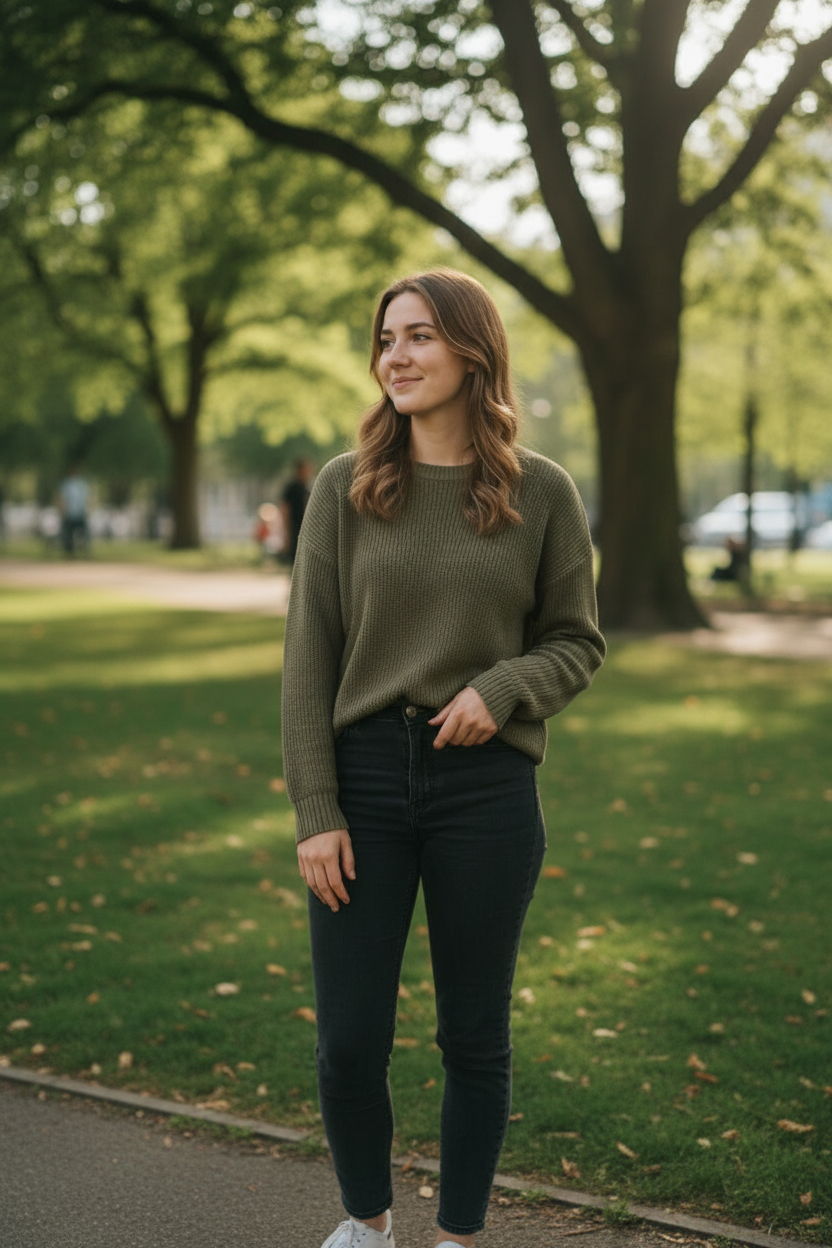
AI Twerk Output
What Is AI Twerk Generator?
AI Twerk Generator is a web-based tool that turns still photos into realistic twerk dance videos using artificial intelligence. You upload a photo of a person, choose a twerk style from seven available presets, select a video duration, and the AI generates a polished MP4 video showing that person performing twerk dance movements.
The platform launched as a dedicated, single-purpose tool. Unlike many AI platforms that try to do everything, AI Twerk Generator focuses exclusively on creating twerk dance animations. This narrow focus is both its greatest strength and its most obvious limitation, depending on what you are looking for.
The tool runs entirely in your browser. There is nothing to download or install, and it works on both desktop and mobile devices. You need to create an account to use it, and video generation requires credits that you purchase in advance.
For this review, I tested the tool extensively across multiple photo types, all seven presets, both duration options, and different credit tiers. Here is what I found.
The Pros
Video quality is impressive. The twerk animations look remarkably natural, with smooth hip movement, realistic body mechanics, and consistent visual quality from start to finish. The AI clearly understands dance biomechanics, because the weight shifts, body positioning, and movement timing all look convincing. Compared to other AI animation tools I have tested, the twerk-specific quality is in a class of its own.
The preset variety is excellent. Seven distinct twerk styles give you genuine creative options. Standard twerk, wall twerk, slow wind, bounce drop, circular roll, quick shake, and a custom mode where you describe the movement you want. Each preset produces a noticeably different animation, so creating multiple videos from the same photo yields varied, interesting results.
Speed is a major plus. Most videos are ready within two to five minutes. For AI-generated video content, that is fast. You can realistically create several videos in a single session without long waits between generations.
The interface is refreshingly simple. Upload, pick a style, pick a duration, generate. That is the entire workflow. There are no confusing settings, no parameter sliders, and no technical knowledge required. If you can upload a photo and click a button, you can use this tool. First-time users will have zero trouble getting started.
The custom preset deserves special mention. Being able to describe a specific type of movement in your own words and have the AI interpret it opens up creative possibilities beyond the six fixed presets. It does not always nail exactly what you describe, but it usually gets close enough to be useful.
Output files are high quality MP4s that are ready for immediate sharing on social media. No post-processing needed. Download and post.
The Cons
The tool only does one thing. If you need any image editing, background removal, upscaling, or non-twerk animation, you will need a completely separate tool. This is by design, but it does mean AI Twerk Generator cannot be your only AI creative tool.
Photo requirements are fairly specific. You need a clear, full-body photo with decent lighting and a relatively simple background for the best results. Heavily cropped photos, group shots, or images with complex backgrounds can produce lower-quality output. This means you might need to take or find specific photos rather than just using whatever you have on hand.
There is no free tier or free trial. You need to purchase credits before you can generate your first video. Credits cost $5 each, or you can subscribe for $9.99/week to get 4 credits with extras at $3.50 each. The lack of a free sample means you are committing money before you can evaluate the output quality for yourself. The sample videos on the site give you a good idea of what to expect, but nothing replaces testing with your own photos.
The custom preset is hit or miss. While it works well for straightforward movement descriptions, more complex or unusual requests can produce results that do not quite match what you had in mind. The six fixed presets are more reliable and predictable.
Video duration is capped at 15 seconds. For most social media use cases this is fine, but if you need longer dance videos, you will need to look elsewhere or stitch multiple clips together. A 10-second video uses one credit and a 15-second video uses two credits, so longer content also costs more per second.
There is currently no batch processing option. Each video must be generated individually, which can be time-consuming if you want to create a large volume of content from multiple photos.
Pricing Breakdown
AI Twerk Generator uses a straightforward pricing system.
Individual credits cost $5 each. You can buy 1, 5, 10, or 20 at a time. Credits never expire, so there is no pressure to use them quickly.
For regular users, there is a weekly subscription at $9.99/week that includes 4 credits. Subscribers also get additional credits at $3.50 each instead of $5, a 30% discount. The subscription auto-renews weekly and can be cancelled anytime.
A 10-second video costs one credit, and a 15-second video costs two credits. Both produce the same quality output, so the choice comes down to how long you want your animation to be.
For context, comparable AI video generation services typically charge $1 to $5 per video depending on length and quality. AI Twerk Generator's subscriber pricing ($3.50 per credit) is competitive, especially considering the specialized quality of the output.
Is it worth the money? If you create content for social media and twerk videos are part of your content strategy, the pricing is very reasonable. A single viral video can generate thousands or even millions of views, making the cost per video negligible compared to the potential reach.
Who Is This Tool For?
AI Twerk Generator serves several distinct audiences well.
Social media content creators are the primary audience. If you create content for TikTok, Instagram Reels, YouTube Shorts, or Twitter, AI twerk videos can be a reliable source of engaging, attention-grabbing content. The quick generation time means you can produce content at scale without hiring dancers or renting studio space.
Meme creators and internet culture enthusiasts will find this tool useful for creating shareable, humorous content. Twerk videos of unexpected subjects or in unexpected contexts tend to perform well on social media, and this tool makes creating that content effortless.
Anyone who wants to create funny, lighthearted content for friends and group chats will get value from the tool. Birthday surprises, inside jokes, and casual entertainment are all common use cases that do not require a professional content strategy to justify the cost.
AI and tech enthusiasts who want to explore what current AI video generation technology can do will find this tool interesting from a technical perspective. It showcases how specialized AI models can outperform general-purpose ones for specific tasks.
This tool is probably not for you if you need a general-purpose AI creative suite, if you need videos longer than 15 seconds, or if you are not interested in twerk-style dance content. Its narrow focus is a strength for its target audience but a dealbreaker for users who need broader capabilities.
How It Compares to Alternatives
Several other tools can create dance animations from photos, but most are general-purpose platforms rather than dedicated twerk generators.
Compared to InsMind, PicWand, and SeaArt, AI Twerk Generator consistently produces better twerk-specific animations. The motion quality, body consistency, and overall realism of the dance movements are noticeably superior when the goal is specifically a twerk video. These general-purpose platforms have their own strengths in image editing and broader animation capabilities, but they cannot match the specialized quality of a dedicated tool.
The custom preset option also sets AI Twerk Generator apart. Most alternatives do not offer the ability to describe a specific type of dance movement and have the AI interpret it. This flexibility within its focused domain is a unique advantage.
Processing speed is competitive. Two to five minutes per video is faster than many general-purpose AI video generators, which can take ten minutes or longer for comparable quality output.
The main area where alternatives win is versatility. If you need more than just twerk videos, a multi-purpose platform will serve you better overall, even if its twerk-specific output is not as good.
Final Verdict
AI Twerk Generator delivers on its promise. It creates high-quality twerk dance videos from still photos quickly, affordably, and with minimal effort. The seven presets provide genuine variety, the output quality is impressive, and the pricing is fair for what you get.
The main drawback is the narrow scope. This tool does one thing. If that one thing is what you need, you will be very satisfied. If you need a broader creative toolkit, you will need to supplement it with other tools.
For content creators who regularly produce dance content for social media, AI Twerk Generator is an easy recommendation. The quality-to-effort ratio is excellent, and the credit system means you only pay for what you use.
For casual users who want to create a few fun videos, buying a few credits at $5 each is a low-risk entry point. A handful of credits give you enough to experiment with different presets and photos without a significant financial commitment.
Overall rating: highly recommended for its target audience. If you want to create twerk videos from photos, this is currently the best dedicated tool available for that purpose.
Ready to Create Your Twerk Video?
Upload a photo and get a realistic AI twerk video in minutes.
Try It Now